
How to Choose the Right Mount for Your TV Installation
After installing more than 1,000 TVs across South Florida, we can tell you that the mount matters as much as the TV itself. Pick the wrong one and you'll end up with glare, an awkward viewing angle, or worse — a TV that pulls away from the wall over time. Here's how to pick the right mount for your setup without the guesswork.
Start with Your TV's Size and Weight
Every mount has a maximum screen size and weight rating printed on the box. Check the back of your TV or its manual for exact specs and never push those limits. A mount rated for a 55-inch TV will not safely hold a 65-inch one, even if the bracket pattern lines up. We recommend choosing a mount with headroom — if your TV is 55 inches and 40 pounds, look for a mount rated to at least 65 inches and 60 pounds.
Know Your VESA Pattern
VESA is the industry-standard spacing between the four mounting holes on the back of your TV, measured in millimeters. Common patterns are 100x100, 200x200, 400x400, and 600x400. The pattern is usually printed in your TV manual or you can measure it yourself with a tape measure. Make sure the mount you choose supports your exact VESA pattern — most are adjustable, but not all.
The Three Main Mount Types
Fixed Mount
The simplest and lowest-profile option. The TV sits flat against the wall with almost no gap — usually about one inch. Fixed mounts are the cheapest, the easiest to install, and look cleanest in a living room. The downside: no adjustability. If you get glare from a window or sunlight, you're stuck with it. Best for rooms with controlled lighting and a single main seating area.
Tilting Mount
Tilting mounts let you angle the screen up or down by about 15 degrees. This is the go-to choice when the TV is mounted higher than eye level — above a fireplace, in a bedroom, or in a commercial space like a waiting room. A small downward tilt eliminates neck strain and cuts ceiling-light glare. Only slightly more expensive than fixed mounts and still relatively easy to install.
Full-Motion (Articulating) Mount
Full-motion mounts extend, swivel, and tilt — giving you total flexibility. You can pull the TV out from the wall, angle it toward the kitchen while you cook, or swing it into a corner when not in use. They're the most expensive option and the most involved to install because they need to be anchored into at least two studs for stability. Best for open-concept rooms, kitchens, corner mounts, or any space where you need to watch from multiple angles.
What Kind of Wall Do You Have?
This is the part most homeowners miss. In Miami especially, walls vary wildly between homes. Interior walls are usually drywall over wood or metal studs — straightforward for mounting, but you must hit studs or use proper toggle anchors. Exterior walls and many older Miami homes are concrete block (CBS construction), which requires masonry anchors and a hammer drill with a masonry bit. Never mount a TV to just drywall without anchors — it will fail, and the damage is expensive to repair.
Height Matters More Than You Think
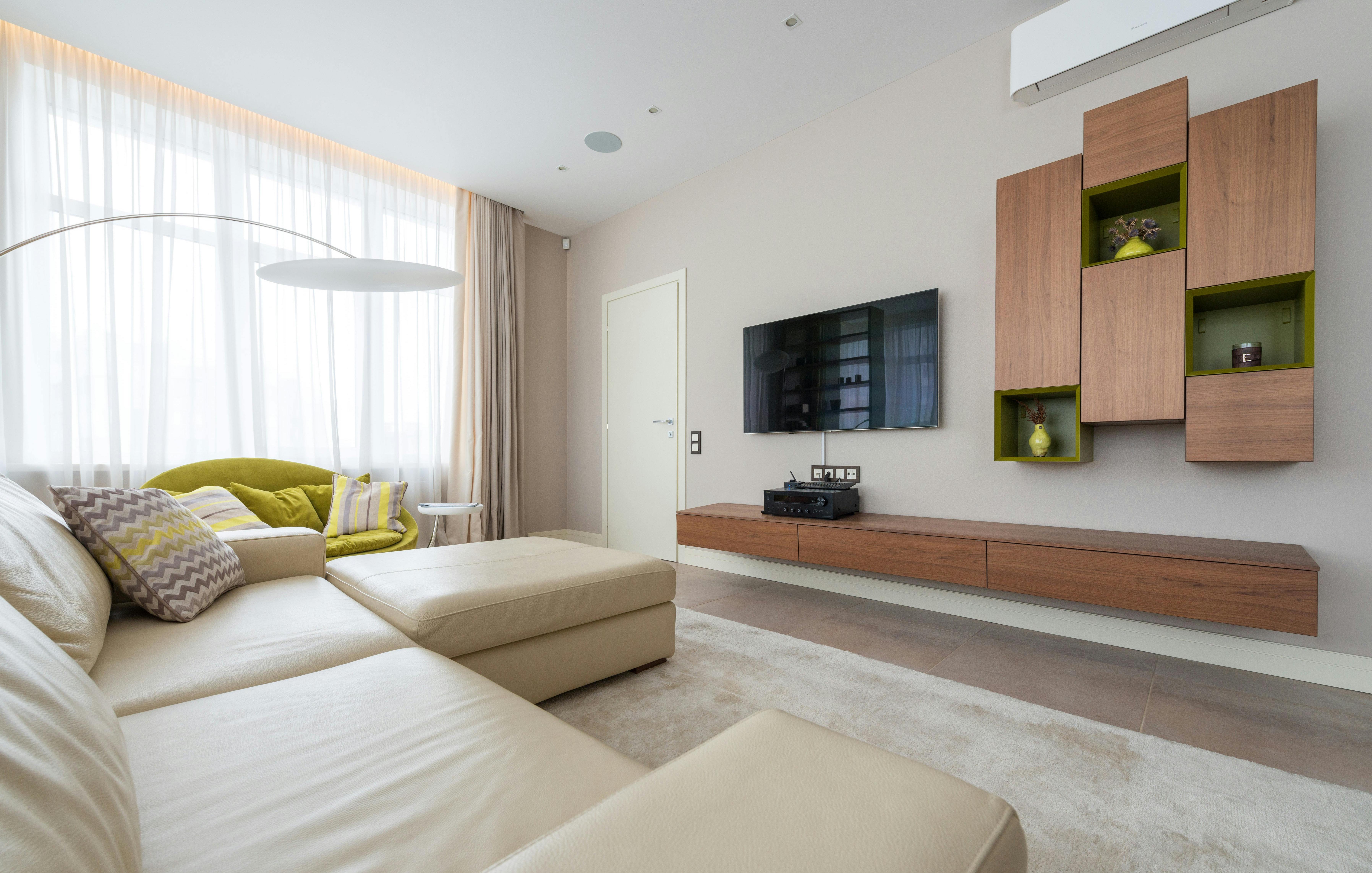
The center of the TV should be at eye level when you're seated in your normal viewing position. For most sofas, that puts the center of the screen about 42 inches off the floor. Mounting too high is the single most common mistake we see — it forces you to crane your neck and ruins the experience. If you must mount higher (over a fireplace, for example), use a tilting mount to angle the screen down toward your eyes.
Cable Management
Nothing ruins a clean wall-mount job faster than a tangle of cables hanging down. You have three options: run cables through an in-wall cable raceway kit (cleanest, most work), use a surface-mounted plastic channel painted to match your wall (easier, pretty good), or bundle them with a cable sleeve and let them hang (quick, least attractive). If you're mounting near a power outlet, a recessed outlet kit hides the plug behind the TV entirely.
When to Call a Pro
If your TV is over 55 inches, your wall is concrete or plaster, or you want a full-motion mount with in-wall cable management — it's worth the investment to have it done right. A bad mount job can cost you a $1,500 TV. We install TVs of every size across Miami-Dade and use quality mounts rated well above the TV's weight for long-term peace of mind.
Ready to mount your TV the right way? Contact us for a free quote.